
Invoices
Send the bill cleanly
Create branded invoices, share public links, download PDFs, and show payment instructions clients recognize.
Invoicing for Filipino freelancers and small teams
Create invoices, share your GCash or bank payment details, and review payment proofs in one place.
Preview and download a PDF. Create a free account to save, email and track it.
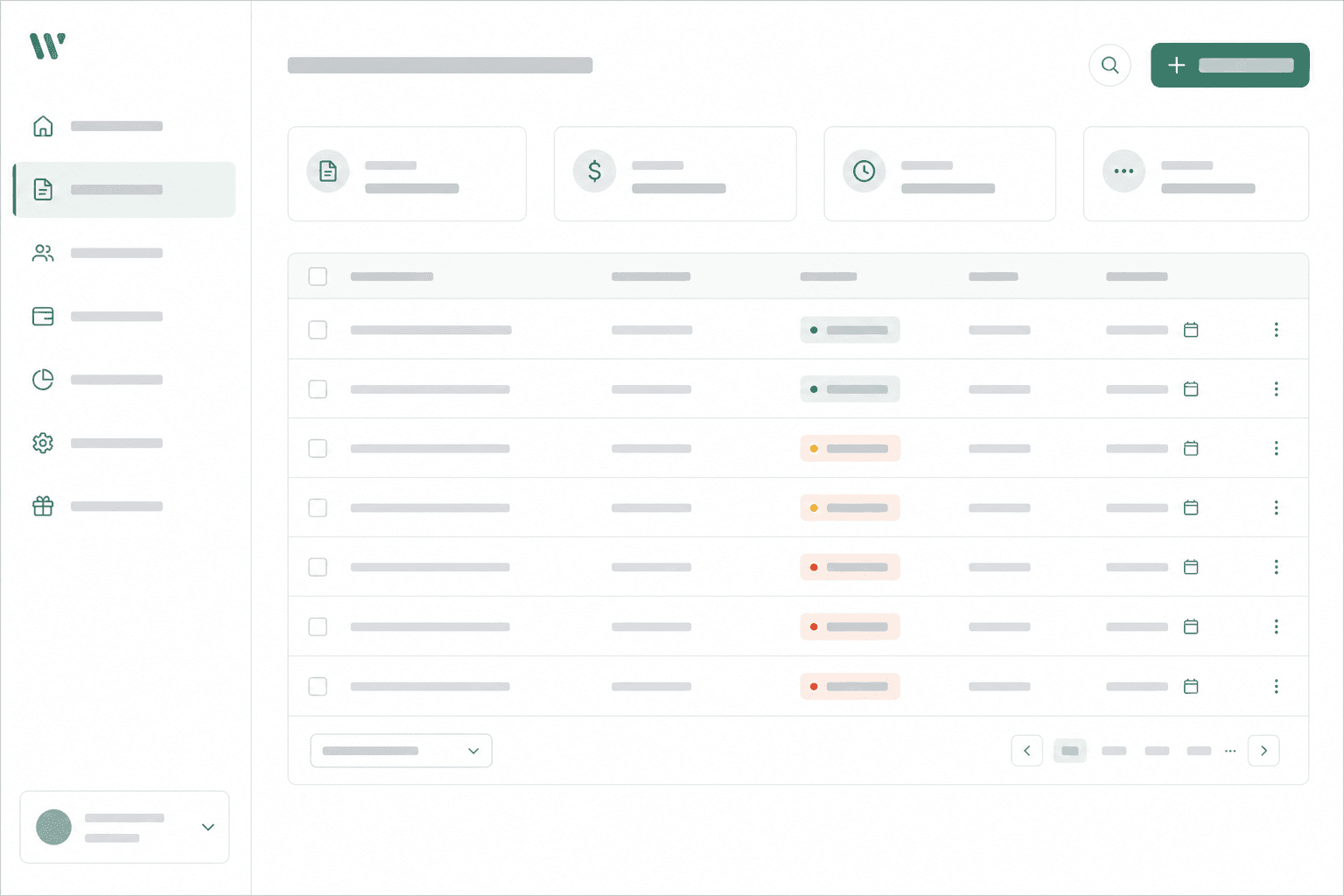
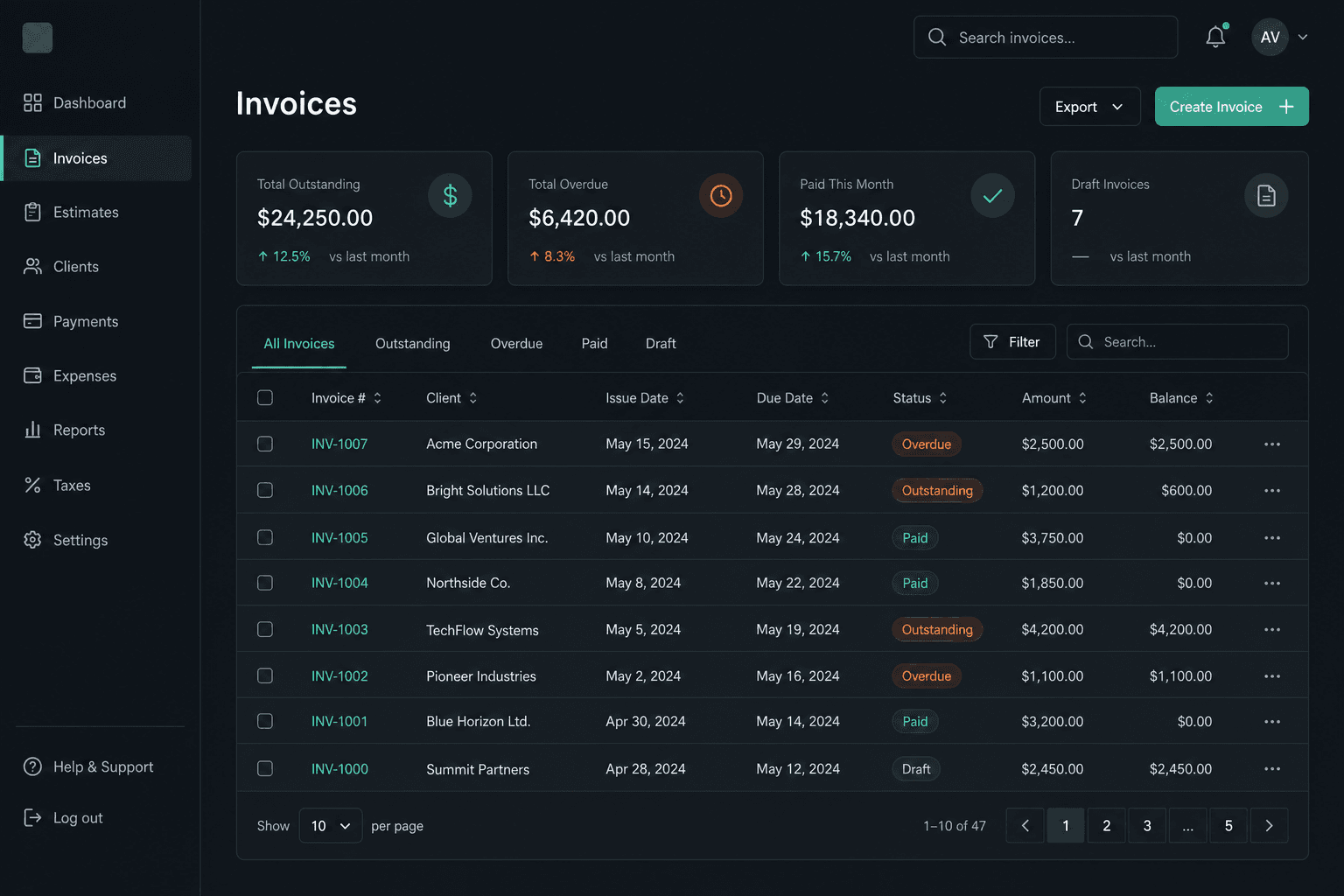
Show bank transfer, e-wallet, QR, and other payment instructions your clients already use.
Let clients submit proof from the invoice link, then approve it before marking the invoice paid.
Invite your team into one workspace without turning every teammate into a separate subscription.
Client added. Invoice sent. Payment confirmed.
Example workflows
Illustrative uses of Singilin’s tools.
Bill the same client each month.
Set up a recurring invoice on Pro, then choose drafts for review or automatic email sending.
Keep the deposit and remaining balance clear.
Record the confirmed partial payment on the invoice so your team sees what is still due.
Match a client’s transfer to the right invoice.
Review the submitted proof against your bank or e-wallet account, then record the amount received.
Collections workspace
Start with your client and their invoice. Keep proof review and confirmed payments attached to the same record.
Invoices
Create branded invoices, share public links, download PDFs, and show payment instructions clients recognize.
Clients
Keep client contact details, notes and invoices together so you can find the next billing action.
Payment proof
On eligible plans, clients upload proof to their invoice. You verify funds in your bank or e-wallet account before recording payment.
Pro automation
Pro can create recurring invoices and check unpaid invoices for reminders. You control whether new bills are emailed automatically.
Tax planning
Choose a Philippine tax profile and project advisory set-asides from issued invoices.
How it works
01
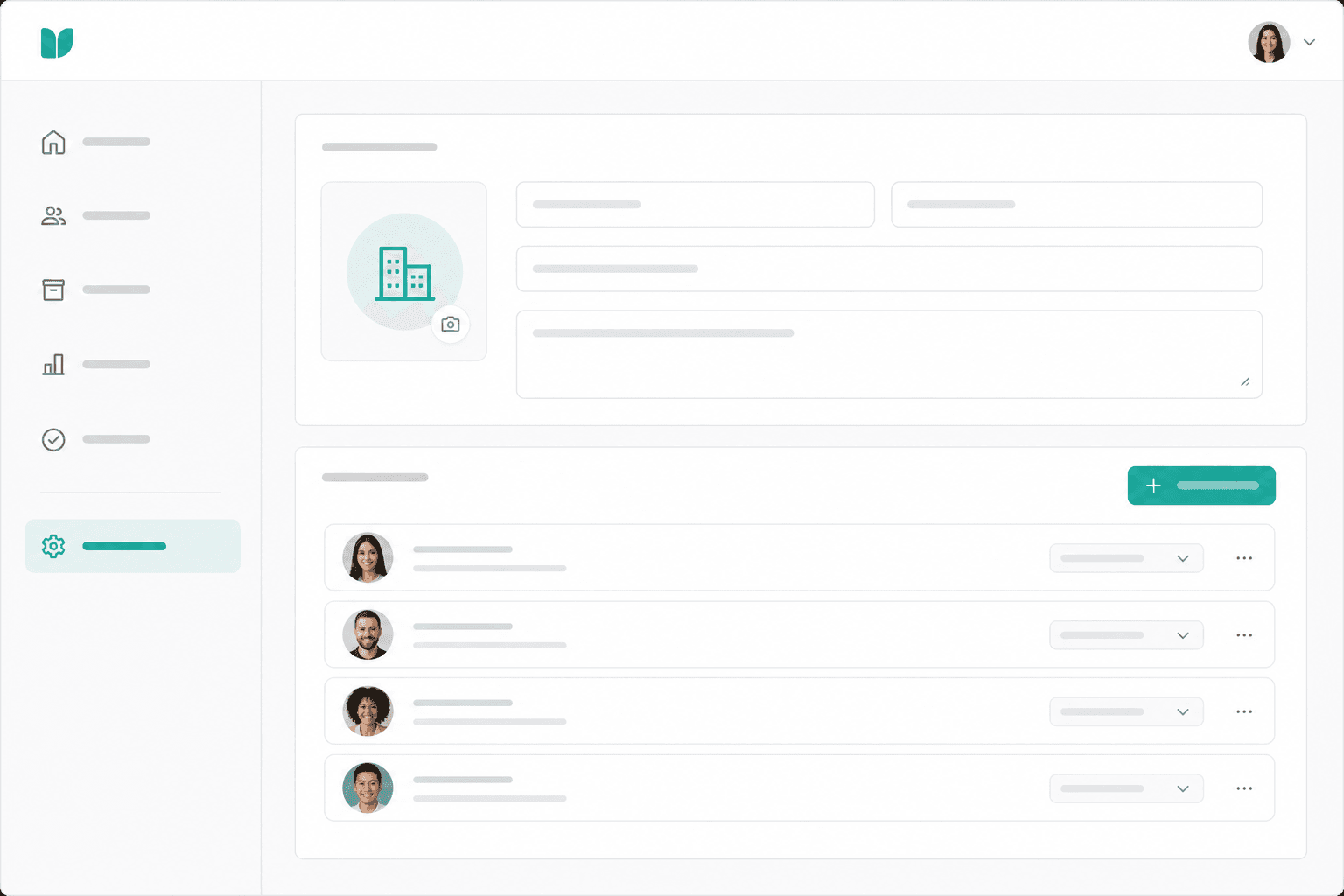
Add business details, branding, teammates, invoice defaults, and the payment options your clients already use.
02
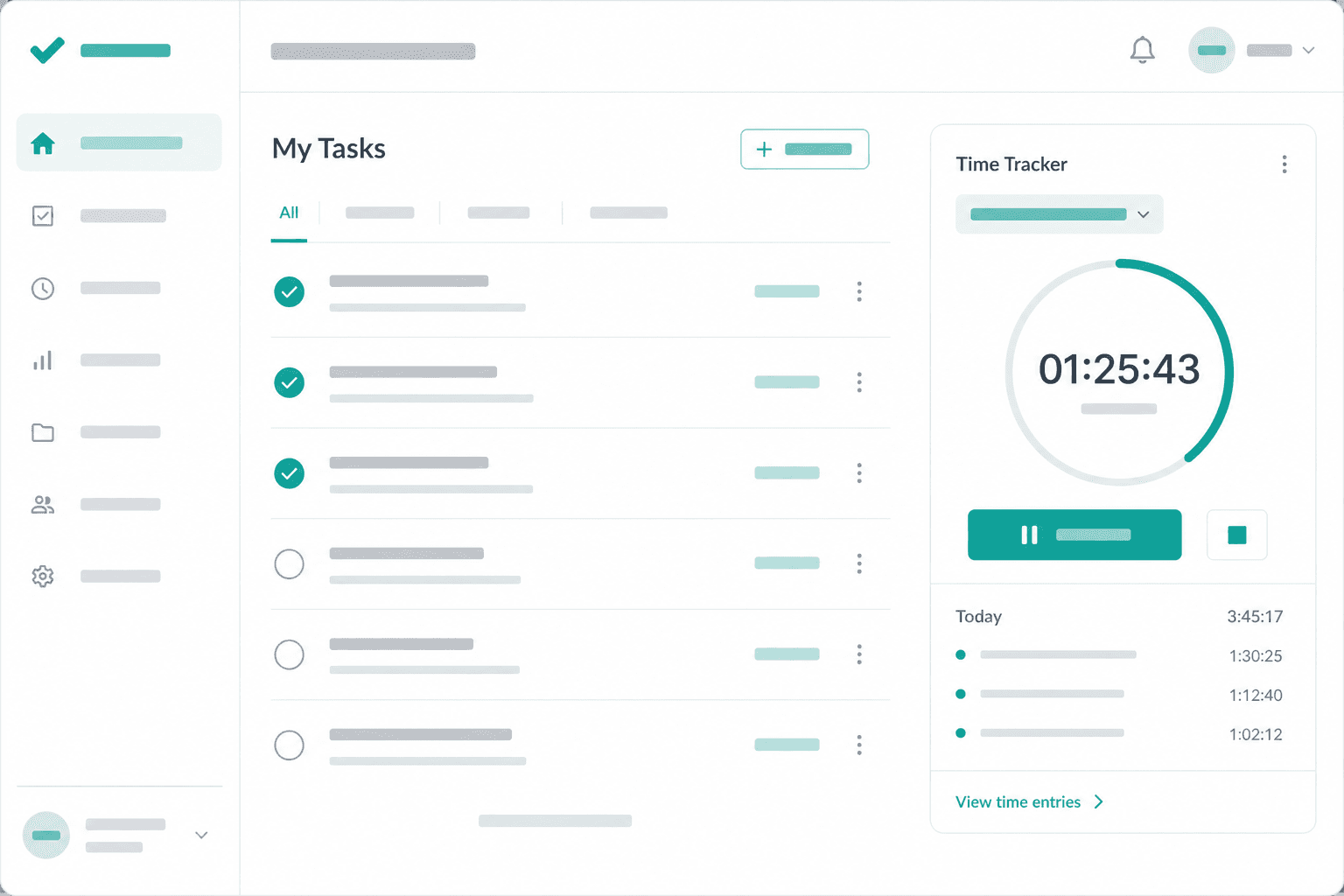
Choose a client, check the items and due date, then email an invoice with a link and PDF.
03
Clients pay through their own bank or e-wallet. Review any uploaded proof against your account, then record the confirmed payment. Pro adds scheduled reminders.
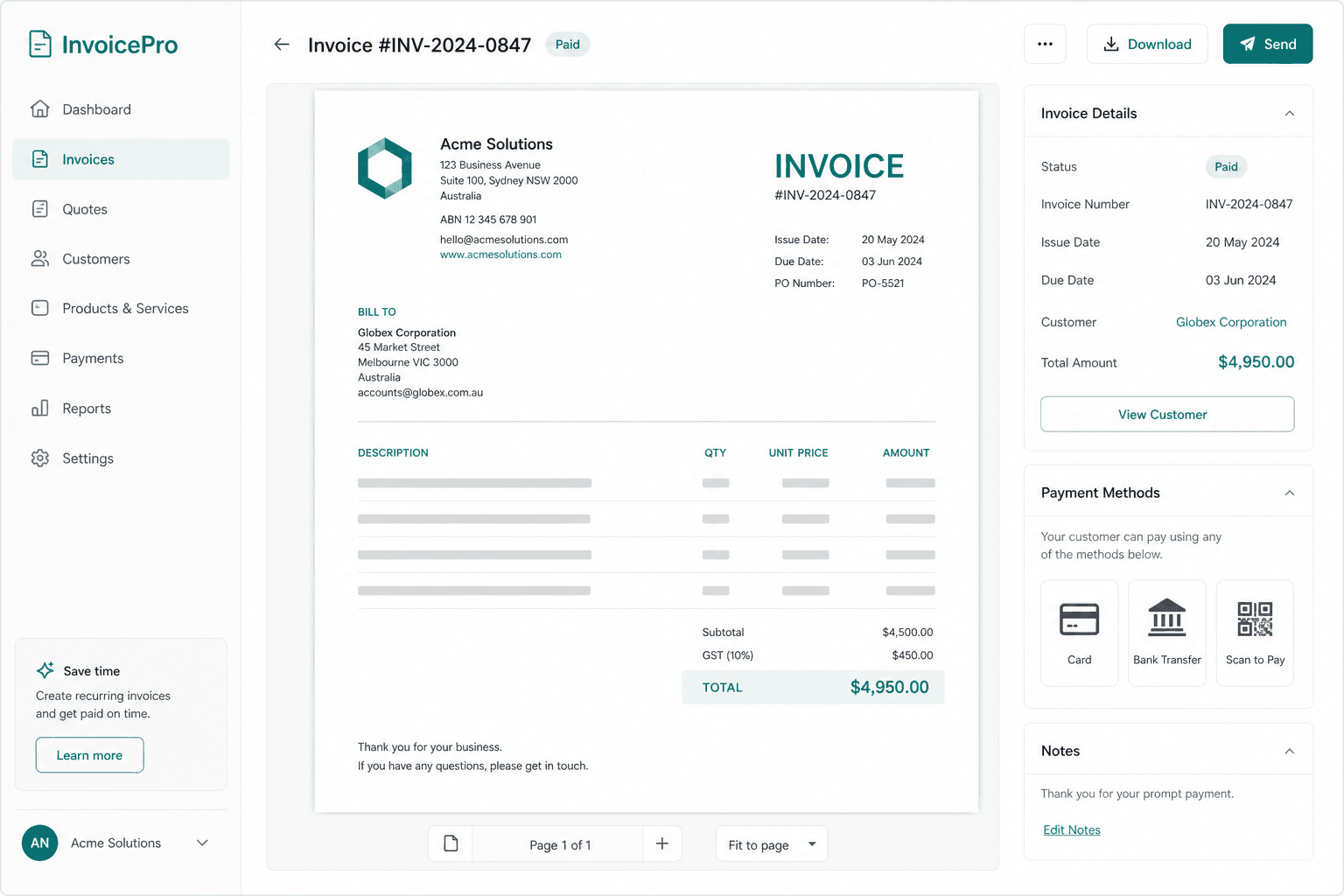
What you are replacing
Singilin focuses on client invoices, payment instructions and confirmed payment records. Keep your accounting and tax filing tools where you need them.
Useful for a simple bill. You maintain the client list, payment status and follow-up record yourself.
Useful when you need a downloadable bill. Compare saved client records, payment history and follow-up tools for repeat work.
Consider an accounting tool when you need ledgers, financial statements or tax filing workflows.
Loading the current plan prices… You can still create a free invoice.
Concierge setup
For new workspaces, we can help move you from spreadsheet and PDF templates into Singilin with a guided setup session.
Ask about a guided setup session. Scope, availability and any fee are agreed before you book.
Ask for a quote
Singilin.ph
Need help choosing a plan, moving from spreadsheets, or setting up invoices? Send a message. A real person will read it.
Office
197 Manggahan St., Santa Rita, Olongapo City, Zambales, Philippines 2200
Phone
+63 956 764 2749Start with a PDF preview. Save it to a workspace when you are ready to email your client and track payment.